Introduction
Choosing the right laptop for everyday use is an important decision because a laptop has become a useful part of our daily lives. Whether we use it for studying, office work, browsing the internet, watching videos, attending online meetings, or managing personal tasks, the right device can make our work easier and more comfortable. However, with so many laptop brands, specifications, and price ranges available, finding a suitable laptop can sometimes be confusing.
In my opinion, buying a good laptop is not about choosing the most expensive model. It is about finding a device that matches your needs, provides reliable performance, and fits your budget. Many people spend extra money on features they rarely use, while others choose very basic laptops that struggle with their daily activities.
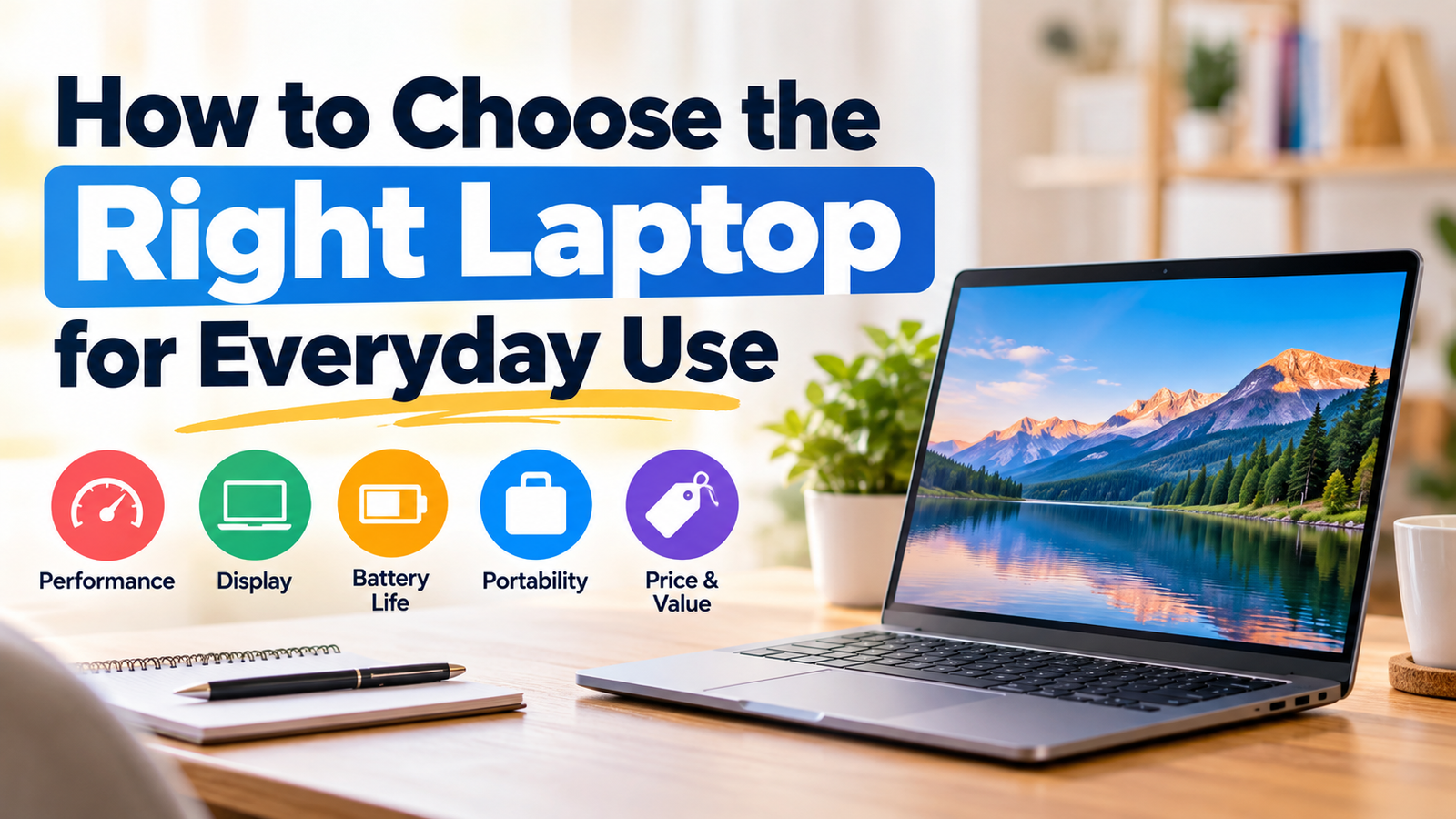
Before purchasing a laptop, I recommend understanding your requirements and learning about the most important specifications. In this guide, I will explain how to choose the right laptop for everyday use, including the processor, RAM, storage, display, battery life, keyboard, and other features worth considering.
1. Understand Your Everyday Laptop Needs
The first step in choosing the right laptop is understanding how you plan to use it. Different people have different requirements, so one laptop may not be suitable for everyone.
For example, students usually need a laptop for assignments, research, online classes, presentations, and browsing educational websites. Office workers may need a reliable device for spreadsheets, documents, emails, and video conferences. People who mainly watch movies, browse websites, and communicate with friends can often manage with a less powerful machine.
I believe it is helpful to write down your most common activities before comparing laptop models. Consider which applications you use, how many tasks you perform simultaneously, and whether you need to carry the laptop outside your home.
If you understand your daily requirements, you can focus on the features that matter most and avoid paying for unnecessary specifications.
2. Choose a Suitable Processor
The processor, also known as the central processing unit or CPU, is one of the most important components of a laptop. It handles instructions and helps the computer perform different tasks.
For everyday activities such as browsing, document editing, online meetings, and watching videos, a modern entry level or midrange processor is generally sufficient.
Popular processor families include Intel Core, Intel Core Ultra, and AMD Ryzen. When comparing laptops, do not focus only on the processor brand. The exact model, generation, performance level, and power efficiency also matter.
For basic office work and educational activities, I would prioritize a reasonably recent processor that offers dependable everyday performance. An older laptop with an outdated processor may be cheaper, but it might not provide the same level of responsiveness or long term usefulness.
If you regularly use demanding software for video editing, graphic design, software development, or other intensive tasks, consider a laptop with a more powerful processor.

3. Select the Right Amount of RAM
RAM stands for Random Access Memory. It temporarily stores the information that your laptop needs while applications are running.
Having enough RAM helps your computer manage multiple applications without becoming unnecessarily slow. For example, you might want to attend an online meeting, open several browser tabs, and edit a document at the same time.
For basic everyday use, 8GB of RAM can be sufficient. However, I recommend considering 16GB if your budget allows, especially if you want smoother multitasking and more flexibility for future applications.
Before purchasing a laptop, check whether its RAM can be upgraded. Some models allow users to add more memory, while others have RAM permanently attached to the motherboard.
Choosing the right amount of RAM can improve your overall experience and reduce the likelihood of needing an upgrade too soon.
4. Prefer an SSD for Faster Performance
Storage is another important factor when choosing the right laptop for everyday use. It determines how much information you can save, including documents, photographs, videos, applications, and other files.
Modern laptops commonly use solid state drives, also known as SSDs, or traditional hard disk drives, known as HDDs.
An SSD is generally the better choice because it provides faster access to files, quicker startup times, and more responsive application loading. These advantages can make everyday tasks feel much smoother.
For most users, a 256GB SSD is a reasonable starting point. If you store many photographs, videos, applications, or work files, a 512GB SSD provides additional space and flexibility.
I would choose a laptop with an SSD rather than relying entirely on an older mechanical hard drive. If you need more storage later, you may be able to add an external drive or use cloud storage, depending on your requirements.
5. Choose the Right Screen Size
The laptop display affects your comfort when reading, writing, studying, and watching videos. Therefore, it is important to consider both screen size and display quality.
A 14 inch laptop is a practical option for people who travel frequently or carry their computer to school, college, or the office. It usually offers a useful balance between portability and working space.
A 15.6 inch laptop may be more comfortable for people who work with spreadsheets, documents, websites, and multiple windows. However, larger laptops can be heavier and less convenient to carry.
For everyday use, I recommend looking for a Full HD display with a resolution of 1920 by 1080 pixels or better. This generally provides clear text and detailed images for common tasks.
You should also consider brightness, viewing angles, and reflections. A screen that is difficult to read in a bright room can make long working sessions uncomfortable.
6. Check Battery Life Before Buying
Battery life is especially important for students, travelers, and professionals who work away from a desk. A dependable battery allows you to complete tasks without constantly searching for a power outlet.
Before purchasing a laptop, check its advertised battery life and look for independent reviews that test performance under realistic conditions. Manufacturer estimates can differ from actual results because battery usage depends on screen brightness, applications, wireless connections, and workload.
If you frequently attend classes, meetings, or travel, a laptop that can comfortably handle several hours of work on battery power may be a better choice.
Charging speed is also worth considering. Some laptops support convenient USB Type C charging, although compatibility and charging performance vary by model.
In my opinion, battery life should be a priority for people who regularly work outside their homes. If you mainly use your laptop at a desk, other features may be more important.
7. Look for a Comfortable Keyboard and Touchpad
A laptop should not only perform well but also feel comfortable to use. Since many everyday tasks involve typing, the keyboard deserves careful attention.
A comfortable keyboard makes writing emails, preparing assignments, creating documents, and entering information easier. Look for well spaced keys, a practical layout, and a typing experience that suits your preferences.
A dedicated numeric keypad may be useful if you frequently work with numbers or spreadsheets. However, it is more commonly available on larger laptops.
The touchpad should respond accurately and support convenient gestures. This is particularly useful when you work away from home and do not want to carry a separate mouse.
Whenever possible, try the keyboard and touchpad before purchasing the laptop. Even small differences can affect your comfort when using the device for several hours each day.
8. Consider Build Quality and Portability
Build quality can influence how well a laptop handles everyday use. If you plan to carry your device regularly, consider its weight, hinge design, chassis construction, and overall durability.
Lightweight laptops are convenient for students and professionals who move between different locations. Larger laptops may provide bigger displays, additional ports, and more comfortable keyboards, but they can be less portable.
The materials used in a laptop also matter. Metal construction can provide a premium feel, while well designed plastic models can offer good value at a lower price.
I recommend checking the hinges and keyboard deck before buying whenever possible. A laptop should feel reasonably sturdy and should not appear poorly assembled.
Using a padded laptop bag, keeping liquids away from the keyboard, and cleaning the device carefully can help protect it from everyday damage.
9. Check Connectivity and Available Ports
Connectivity is another important feature that people sometimes overlook. Before purchasing a laptop, check which ports and wireless technologies it supports.
USB ports allow you to connect accessories such as mice, keyboards, external drives, and other devices. USB Type C can provide charging and data transfer, depending on the laptop’s specifications.
An HDMI port is useful if you want to connect your laptop to an external monitor, television, or projector. A headphone connection may also be important if you regularly attend online meetings or listen to audio.
Check WiFi and Bluetooth support as well. Reliable wireless connectivity helps you connect to the internet, headphones, speakers, and other accessories.
I recommend comparing the available ports with the devices you already own. This can help you avoid spending extra money on adapters and accessories later.
10. Select the Right Operating System
The operating system determines how you interact with your laptop and which applications you can use.
Windows laptops are widely used for office work, education, browsing, and general productivity. Apple laptops use macOS, which may suit people who prefer Apple’s software environment. Chromebooks use ChromeOS and can be suitable for users whose activities mainly involve web applications, online documents, and cloud based services.
The best operating system depends on your preferences and requirements. Before purchasing, check whether the applications you need are compatible with the device.
For example, if your school or workplace requires specific software, make sure it runs properly on the operating system you choose.
I believe it is better to select a laptop that fits your existing workflow rather than buying one simply because a particular brand is popular.
You should also check that the device supports current security updates and meets the requirements of the operating system you plan to use.
11. Set a Realistic Budget
Your budget plays an important role in deciding which laptop is right for you. Prices vary according to the processor, memory, storage, display, brand, and build quality.
Instead of choosing the cheapest model immediately, compare the specifications and overall value of several options.
A very inexpensive laptop may have limited RAM, insufficient storage, or outdated hardware. Spending a little more on an SSD, a suitable processor, and enough memory may provide a more comfortable experience.
However, you do not necessarily need an expensive premium laptop for browsing, document editing, and online learning.
Remember to include additional expenses such as a laptop bag, mouse, external storage, and possible warranty extensions. Check local prices and compare offers from reputable retailers before making your final decision.
The goal is to find a laptop that provides the features you need without putting unnecessary pressure on your budget.
12. Check Warranty and Upgrade Options
A laptop is an investment, so it is worth checking the warranty and after sales support before purchasing it.
Review the warranty period, authorized repair options, return policy, and availability of replacement parts. These details can be especially important if you depend on your laptop for work or education.
Security is equally important. Choose a laptop that supports current software updates and use a supported operating system to help protect your personal information.
You should also check whether the RAM and SSD can be upgraded or replaced. Upgradeable components may help extend the laptop’s useful life, although some models offer limited repair options.
Before paying, verify the exact specifications, warranty conditions, and seller reputation. Taking these precautions can help you make a more confident purchase.
Conclusion
Choosing the right laptop for everyday use becomes easier when you understand your needs and focus on practical features. A suitable processor, sufficient RAM, SSD storage, a comfortable display, dependable battery life, and a good keyboard can make a noticeable difference in your daily routine.
In my opinion, a laptop with a modern processor, 16GB of RAM, a 256GB or 512GB SSD, and a Full HD display is a practical starting point for many students, office workers, and home users. However, the ideal configuration depends on your budget and the tasks you perform.
Before buying, compare different models, read reliable reviews, check software compatibility, and confirm the warranty. Avoid spending extra money on specifications you do not need, but do not compromise on essential features simply to save a small amount.
The best laptop is not necessarily the most expensive one. It is the device that offers the right balance of performance, comfort, reliability, and value for your everyday activities.