
Introduction
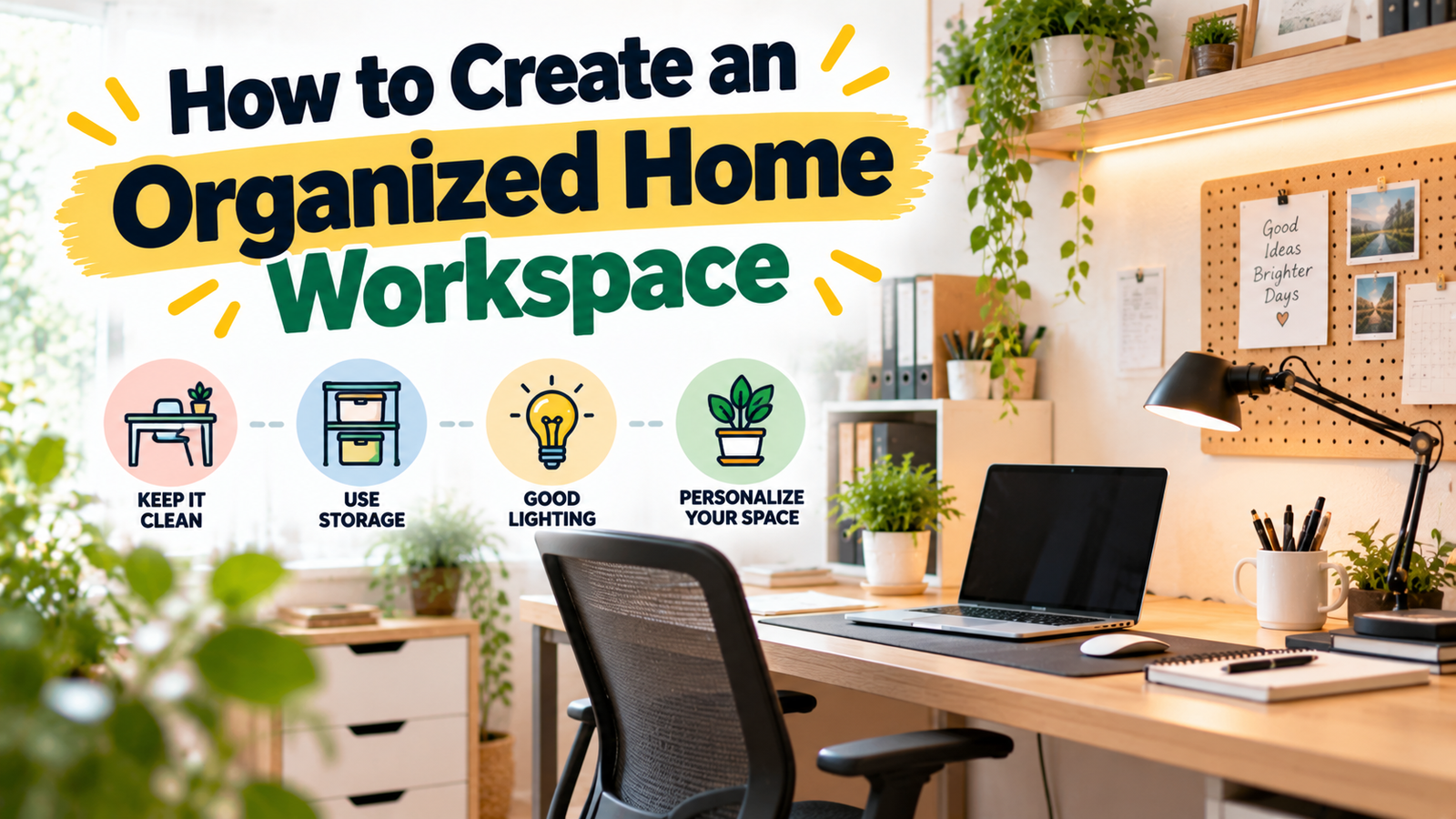
Creating an organized home workspace can make everyday tasks easier, improve concentration, and help you manage your time more effectively. Whether you work from home, study online, manage a small business, or simply need a quiet place to handle personal tasks, having a dedicated workspace can make a noticeable difference.
In my opinion, an effective home workspace does not need to be large or expensive. A small desk, a comfortable chair, suitable lighting, and a few practical storage solutions may be enough to create a productive environment. What matters most is keeping the area organized and arranging everything according to your daily needs.
Many people struggle to concentrate at home because their desks are cluttered, their supplies are difficult to find, or their workspace is shared with other household activities. Fortunately, simple changes can help turn even a small corner into a comfortable and functional work area.
In this guide, I will explain how to create an organized home workspace, arrange furniture, manage cables, improve lighting, reduce distractions, and maintain a clean working environment.
1. Choose the Right Location for Your Workspace
The first step in creating an organized home workspace is choosing a suitable location. Ideally, your work area should be comfortable, reasonably quiet, and separate from activities that frequently interrupt your concentration.
If you have a spare room, you can use it as a home office. However, a separate room is not essential. A corner of your bedroom, living room, or another suitable area can work well if you arrange it carefully.
Look for a location with enough space for a desk, chair, computer, and essential supplies. If possible, choose an area near a window to benefit from natural daylight.
Consider the noise level in different parts of your home. If family members frequently use the living room, a quieter corner may be more suitable for focused tasks.
Try to avoid working in areas where household activities regularly interrupt you. If you cannot find a completely separate location, use a small screen, bookshelf, or furniture arrangement to create a visual boundary between your workspace and the rest of the room.
The best location is one that supports your routine and makes it easy to begin working without spending time preparing the area each day.
2. Select a Desk That Fits Your Needs
A suitable desk provides the foundation for an organized home workspace. It should offer enough surface area for your computer, notebook, and frequently used supplies without making the room feel crowded.
Before purchasing a desk, measure the available space. Consider the desk’s width, depth, and height, along with the room needed for your chair and movement.
If you work mainly on a laptop, a compact desk may be sufficient. If you use multiple monitors, paper documents, or other equipment, you may need a larger surface.
A desk with drawers can provide storage for stationery, documents, and small accessories. Alternatively, a simple table can work well when combined with wall shelves or a small storage unit.
Keep the desk surface as clear as possible. Place only the items you regularly need within easy reach, and store less frequently used supplies elsewhere.
Avoid choosing furniture simply because it looks attractive. Practical features, suitable dimensions, and comfort should be your main priorities.
3. Invest in a Comfortable Chair
A comfortable chair is an important part of an effective home workspace, especially if you spend several hours working or studying.
Choose a chair that supports an upright, relaxed posture. Ideally, it should allow your feet to rest flat on the floor, with your knees at a comfortable angle.
Adjust the chair height so that your shoulders remain relaxed and your elbows can stay close to your body while typing. If your feet do not reach the floor comfortably, a suitable footrest may help.
If you cannot afford an expensive office chair, focus on finding a stable chair with a suitable seat height and back support. Small adjustments to your desk setup can also improve comfort.
Avoid sitting in the same position for long periods without movement. Take regular breaks to stand, stretch, and change your position.
Remember that comfort depends on your body, desk height, and working habits. Adjust your setup to suit your needs rather than assuming that one chair design works for everyone.
4. Keep Your Desk Free From Unnecessary Clutter
A cluttered desk can make it difficult to concentrate and find important items. Papers, cables, stationery, empty cups, and unrelated belongings can quickly take over the available space.
Start by removing everything from your desk and deciding which items genuinely need to remain there. Return unrelated belongings to their proper places.
Keep essential items such as your computer, notebook, pens, and a small number of frequently used accessories. Store spare stationery, old documents, and rarely used equipment in drawers or storage containers.
At the end of each working day, spend a few minutes clearing the surface. Put pens away, organize papers, remove rubbish, and return equipment to its designated location.
If you use printed documents regularly, create a small tray for current work instead of spreading papers across the desk.
The goal is not to create a completely empty desk. It is to make sure that every item has a purpose and that your workspace remains easy to use.
5. Organize Your Office Supplies
Pens, pencils, notebooks, paper clips, sticky notes, chargers, and other small supplies can create unnecessary clutter if they are stored without a system.
Choose a designated place for each category of item. A pen holder can keep frequently used writing tools together, while drawer dividers can separate smaller accessories.
Use a small container for items such as paper clips, rubber bands, and USB drives. Keep notebooks and frequently used documents in one accessible location.
Avoid buying too many organizers before checking what you already own. Clean jars, suitable boxes, and unused containers may work well for storing supplies.
Review your stationery occasionally and remove dried out pens, broken accessories, and items you no longer need.
If you work or study with different types of materials, group them according to purpose. For example, keep writing supplies together and store computer accessories in a separate section.
An organized supply system saves time because you know where to find the items you need.
6. Manage Computer Cables and Chargers
Loose cables can make a home workspace look messy and create tripping hazards. They may also become tangled around furniture or collect dust behind your desk.
Begin by identifying which cables you actually need. Remove unused chargers and disconnect equipment that is no longer part of your setup, provided it is safe to do so.
Use cable clips, reusable cable ties, or a suitable cable management tray to keep wires organized. Attach cables along the back or underside of the desk where practical.
Label similar cables if you regularly disconnect and reconnect several devices. This makes it easier to identify the correct charger or connection.
Keep electrical connections accessible and avoid overloading outlets or power strips. Use equipment rated for your devices and follow the manufacturer’s safety instructions.
Do not place cables where chair wheels can damage them or where people may trip over them. Inspect cords occasionally for damage and stop using any cable that appears unsafe.
Good cable management improves the appearance of your workspace and makes cleaning easier.
7. Make the Most of Natural Light
Lighting can affect comfort, concentration, and the appearance of your home workspace. Natural daylight is a useful resource when it is available.
If possible, position your desk near a window. This can provide a pleasant working environment and reduce the need for artificial lighting during the day.
However, consider the position of your computer screen. Direct sunlight can create glare, making it difficult to read text or see details clearly.
Try placing the screen perpendicular to the window rather than directly facing it or having the window directly behind it. Adjust curtains or blinds when sunlight becomes too strong.
If your workspace does not receive much daylight, use a suitable desk lamp or general room lighting. Choose a light that provides enough brightness for reading and writing without causing uncomfortable glare.
Keep the lighting arrangement flexible so you can adjust it for different tasks and times of day.
A bright, comfortable workspace can make everyday activities feel more pleasant and help reduce unnecessary eye strain.
8. Use Storage Solutions to Save Space
If your home workspace is small, thoughtful storage can help you organize supplies without filling the desk with containers.
Wall mounted shelves can hold books, notebooks, and lightweight office accessories. A compact drawer unit can store documents and stationery, while a small cabinet can keep less frequently used equipment out of sight.
Use vertical space where appropriate, but avoid overcrowding walls with too many shelves or decorations.
Storage boxes can help group related items together. Label them clearly if you store different categories of supplies in similar containers.
If your desk has limited drawer space, consider using a small organizer that fits neatly beside or underneath it. Make sure it does not interfere with your chair or movement.
Store heavy items on sturdy lower shelves and secure wall mounted furniture properly. Avoid placing heavy objects where they could fall onto your desk or seating area.
The best storage system is one that keeps important items accessible without taking up unnecessary space.
9. Create a Simple Filing System for Documents
Paper documents can quickly accumulate when they do not have a designated storage location. Bills, receipts, work notes, study materials, and important records may become difficult to find.
Create a filing system based on the types of documents you handle regularly. For example, you might use separate folders for work, personal records, financial documents, and current projects.
Label each folder clearly so you can identify its contents at a glance.
Keep active documents close to your desk and move completed or rarely needed papers to a suitable storage location. Review the folders regularly and remove duplicate or unnecessary papers.
You can also store suitable documents digitally to reduce paper clutter. Scan or photograph records when appropriate, and organize digital files into clearly named folders.
Protect confidential information when storing or disposing of documents. Keep sensitive records in a secure location and use an appropriate method for destroying papers containing private details.
A simple filing system helps you find important information quickly and prevents your workspace from becoming overwhelmed with paper.
10. Keep Your Digital Workspace Organized
An organized home workspace includes your computer as well as your physical desk. A cluttered desktop, poorly named files, and excessive notifications can make digital tasks more difficult.
Start by organizing computer files into folders based on their purpose. You might create separate folders for work projects, study materials, personal documents, images, and downloads.
Use clear file names that help you identify documents without opening each one. Remove duplicate files when you are sure they are no longer needed.
Review your computer’s desktop periodically and move files into their proper folders. Keep important documents backed up using a suitable external drive or trusted cloud service.
Organize browser bookmarks and remove shortcuts you no longer use. You can also close unnecessary browser tabs when they are not needed for your current task.
Turn off nonessential notifications during focused work periods. Keep essential alerts enabled when they are important for your responsibilities.
These small improvements make digital work more manageable and reduce the time spent searching for information.
11. Add Personal Touches Without Creating Clutter
A home workspace should be functional, but it can also reflect your personality. A comfortable and attractive environment may make it more enjoyable to work or study.
Consider adding a small plant, a framed photograph, a simple piece of artwork, or an item that motivates you.
Choose decorations that suit the available space. If your desk is small, one or two carefully selected items may be enough.
Avoid filling every corner with decorative objects because they can reduce useful working space and make cleaning more difficult.
Choose colors and materials that create a comfortable atmosphere. Natural wood, neutral colors, and a few subtle accents can create a calm appearance, although personal preferences vary.
If you work with a lot of equipment or documents, prioritize function over decoration.
The best workspace combines practicality with a personal style that makes you feel comfortable and ready to begin your tasks.
12. Reduce Distractions in Your Home Workspace
Working at home can introduce distractions that are less common in a traditional office. Household noise, television, phone notifications, and unrelated chores can interrupt concentration.
Start by identifying the distractions that affect you most often. If phone notifications interrupt your work, silence nonessential alerts or place your phone away from your immediate workspace.
Use headphones or a suitable quiet environment when household noise makes concentration difficult. If you share your home with others, communicate your working hours and let them know when you need uninterrupted time.
Keep unrelated household items away from your desk. A pile of laundry or unfinished household tasks within your immediate view may draw your attention away from work.
Create a simple routine for starting and finishing the workday. For example, prepare your materials before beginning, decide which tasks to complete, and take regular breaks.
You may also find it helpful to divide large tasks into smaller steps. This makes it easier to focus on one activity at a time.
A workspace that supports concentration can help you use your time more effectively.
13. Maintain Cleanliness and Good Hygiene
A clean workspace is more comfortable to use and easier to organize. Dust, food crumbs, and spills can accumulate quickly when the desk is used throughout the day.
Wipe the desk regularly using a cleaning method suitable for its surface. Follow the manufacturer’s instructions when cleaning computer equipment and avoid spraying liquid directly onto electronic devices.
Wash or sanitize your hands when appropriate, especially before eating at your desk or after handling waste.
Remove cups, food wrappers, and other rubbish at the end of the day. If you eat at your workspace, clean the area afterward to prevent crumbs and stains from accumulating.
Keep frequently touched equipment, such as a keyboard, mouse, and phone, reasonably clean. Use products approved for the equipment and allow surfaces to dry as directed.
Organize cleaning supplies in a safe location away from electronics and food.
A few minutes of regular cleaning can prevent the workspace from becoming unpleasant or difficult to maintain.
14. Create a Daily Organization Routine
Even a well planned workspace can become cluttered if you do not maintain it. A short daily routine helps preserve the organization you have created.
At the beginning of the day, clear the desk, prepare the materials you need, and identify your main priorities.
During work, return supplies to their designated places whenever practical. Avoid allowing unrelated papers, packaging, and accessories to accumulate.
At the end of the day, put documents into their folders, organize cables if needed, remove rubbish, and wipe the desk when necessary.
Spend a few minutes each week reviewing your storage system. Check whether supplies are running low, remove unnecessary items, and reorganize anything that has become difficult to find.
Do not aim for perfection. The purpose of your routine is to keep the workspace functional without spending too much time organizing it.
Consistency is more valuable than occasional major cleaning sessions.
Conclusion
Creating an organized home workspace is a practical way to improve comfort, concentration, and everyday productivity. You do not need a separate office or expensive furniture to create a useful working environment.
Start by choosing a suitable location, selecting a desk and chair that fit your needs, and removing unnecessary clutter. Organize office supplies, manage cables, improve lighting, and create a clear system for both paper and digital documents.
In my opinion, the most effective workspace is one that supports your daily routine rather than one that simply looks attractive. Every item should have a suitable place, frequently used supplies should be easy to reach, and the desk should provide enough room for the work you need to complete.
Begin with small changes instead of trying to organize everything in one day. Once you establish a few simple habits, maintaining your home workspace becomes much easier.
With thoughtful planning and regular maintenance, even a small corner of your home can become a clean, comfortable, and productive place to work or study.