
Introduction
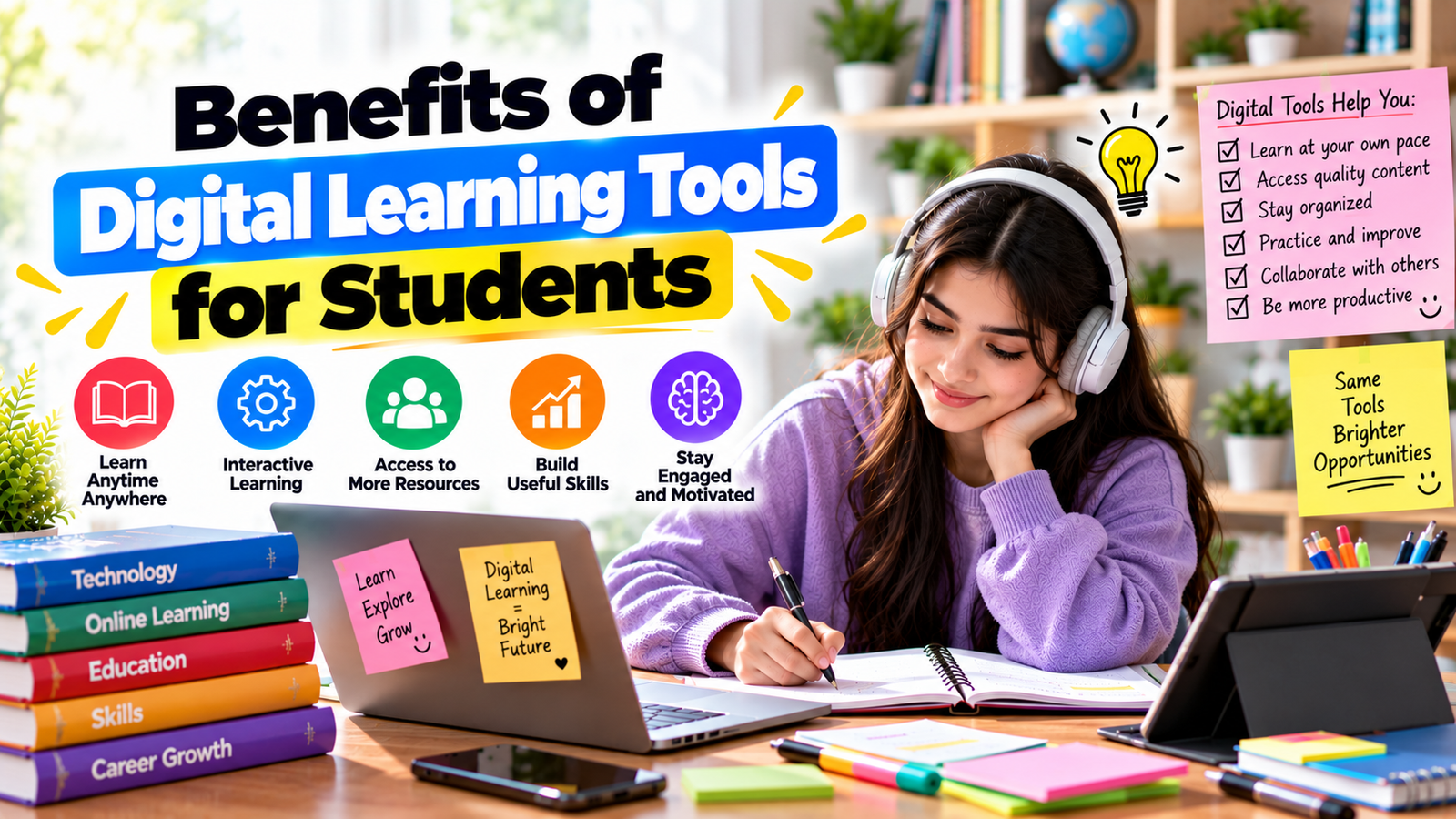
Technology has changed the way students learn, access information, and develop new skills. In the past, students mainly depended on textbooks, classroom lectures, and printed study materials. Today, digital learning tools allow students to attend online classes, watch educational videos, complete interactive exercises, and communicate with teachers through computers, tablets, and smartphones.
Digital learning tools have become an important part of modern education because they can make learning more flexible, engaging, and accessible. Students can use educational applications, online libraries, digital note taking tools, and learning management systems to support their studies both inside and outside the classroom.
In my opinion, one of the biggest advantages of digital learning tools is that they give students more ways to understand difficult topics. When a textbook explanation is not enough, a student can watch a demonstration, practice with an online quiz, or review a recorded lesson. These options can make learning more convenient and help students become more independent.
However, digital tools are most effective when students use them with clear goals and responsible habits. Technology cannot replace every aspect of traditional education, but it can provide valuable support when used appropriately.
In this article, I will explain the main benefits of digital learning tools for students, how these tools support academic development, and what students should consider when using technology for education.
1. Easy Access to Educational Resources
One of the most important benefits of digital learning tools is the ability to access educational resources quickly. Students no longer have to depend entirely on the books available in their classrooms or local libraries.
Online educational platforms, digital libraries, academic websites, and educational videos provide access to information on many subjects. Students can explore science, mathematics, history, languages, computer skills, and other topics from different sources.
For example, if a student finds a particular science concept difficult to understand in a textbook, they can look for an educational video that explains the concept with diagrams and practical examples.
Digital resources can also help students review lessons outside school hours. They can revisit explanations, download permitted study materials, and search for additional examples whenever they need support.
This flexibility is particularly useful for students who want to explore a topic beyond their regular classroom lessons.
However, students should choose reliable educational sources and check information carefully. Not every website provides accurate or complete explanations.
2. More Flexible Learning Opportunities
Digital learning tools allow students to access lessons and study materials at different times and locations, depending on the platform and course requirements.
Traditional classroom education usually follows a fixed timetable. Digital learning can provide additional flexibility because some courses offer recorded lessons, downloadable materials, and self paced activities.
For example, a student who does not fully understand a recorded mathematics lesson can watch it again and pause at difficult steps. A student learning a new language can practice vocabulary during available free time.
This flexibility can help students balance education with family responsibilities, part time work, extracurricular activities, and other commitments.
Online learning tools can also support students who live far from educational institutions or have limited access to certain courses in their local area.
Nevertheless, flexibility requires responsibility. Students need to manage their time, meet deadlines, and avoid postponing lessons simply because the materials remain available.
A clear study schedule can help students benefit from flexible learning without falling behind.
3. Improved Student Engagement
Digital learning tools can make lessons more engaging by presenting information in different formats. Instead of reading text alone, students may interact with diagrams, animations, videos, simulations, quizzes, and educational games.
These formats can help students maintain interest and understand information more clearly.
For example, a geography lesson about volcanoes may become easier to understand when students watch an animation showing how an eruption occurs. Similarly, a mathematics application may provide interactive exercises that allow students to practice calculations and receive immediate feedback.
Educational games can also introduce challenges, scores, and progress indicators that encourage students to participate.
However, engagement should not be confused with entertainment. An attractive application is not necessarily an effective learning resource.
Students should choose tools that help them understand the subject, practice useful skills, or achieve a specific educational goal.
When digital activities are connected to clear learning objectives, they can make study sessions more interesting and productive.
4. Personalized Learning Experiences
Every student learns at a different pace. Some students understand a concept quickly, while others need additional explanations and practice.
Digital learning tools can help address these differences by offering adjustable exercises, different levels of difficulty, and opportunities to review material.
For example, a student who struggles with multiplication can practice basic problems before moving to more advanced calculations. Another student who already understands the basics can focus on challenging questions.
Some educational platforms also use assessment results to recommend lessons or exercises based on a student’s performance.
This can help students identify areas where they need improvement and spend more time on difficult topics.
Personalized learning does not mean students should avoid challenging material. Instead, it allows them to build knowledge gradually and receive additional practice when necessary.
Teachers and parents can also use information from learning activities to identify where students may need guidance.
Digital tools can support individual learning needs, although effective personalization still depends on the quality of the content and the student’s willingness to practice.
5. Better Understanding of Difficult Concepts
Some subjects are difficult to understand through written explanations alone. Digital learning tools can present complicated ideas through visual demonstrations, interactive models, and practical examples.
For example, students studying the human body may use labeled diagrams and animations to understand how different organs work together. Students studying astronomy can explore digital models of the solar system.
In mathematics, interactive graphs can help students understand how changing a number affects a function. In science, simulations can demonstrate processes that may be difficult or expensive to reproduce in a classroom.
These resources provide additional ways to approach the same concept.
When students combine reading, listening, observation, and practice, they may develop a clearer understanding of the material.
It is still important to think critically about what the digital resource shows. Students should connect demonstrations with textbook explanations, classroom instruction, and reliable evidence.
Using technology alongside traditional learning methods can help make challenging topics more understandable.
6. Immediate Feedback and Self Assessment
Feedback helps students recognize mistakes and understand which topics require additional attention. Digital learning platforms can make this process faster by checking answers and providing results immediately.
For example, an online quiz may show whether an answer is correct and, in some cases, explain why. A language learning application may identify incorrect vocabulary choices, while a mathematics platform may provide guidance on solving a problem.
Immediate feedback allows students to correct misunderstandings before they become repeated habits.
Students can also use digital quizzes to test their knowledge before examinations. These assessments help them identify strong areas and subjects that need further revision.
However, students should not focus only on their scores. When an answer is incorrect, it is important to understand the reason behind the mistake.
Reviewing errors and trying similar questions can make practice more valuable.
Digital assessment tools are most useful when they support learning rather than simply measure performance.
7. Improved Communication Between Students and Teachers
Communication is an important part of successful education. Digital learning tools provide additional ways for students to ask questions, receive instructions, submit assignments, and communicate with teachers.
Learning management systems, educational email accounts, virtual classrooms, and approved discussion forums can make communication more organized.
For example, a student who does not understand an assignment can send a message to the teacher instead of waiting until the next classroom meeting.
Teachers may also share announcements, reading materials, feedback, and revision resources through digital platforms.
Group communication tools can help students coordinate projects, exchange ideas, and discuss lessons with classmates.
These opportunities can be especially helpful in online courses, where students and teachers may not meet physically.
Students should communicate respectfully and follow the rules of their educational institution. They should also protect personal information and use approved platforms whenever possible.
Good communication tools can help students feel more connected to their learning environment.
8. Development of Digital Skills
Digital literacy is increasingly important in education, employment, and everyday life. Students who use educational technology responsibly can develop practical skills that support their future goals.
For example, using digital documents can improve formatting and editing skills. Online research can help students learn how to find and evaluate information. Presentation software can support the development of communication and visual organization skills.
Students may also learn how to manage files, organize digital notes, participate in virtual meetings, and collaborate on shared projects.
These skills can be useful in higher education and many professional environments.
However, using technology for entertainment does not automatically develop strong digital literacy. Students need to understand how to use digital tools purposefully and safely.
They should learn how to identify reliable sources, recognize misleading information, respect copyright, and protect their accounts.
Developing these skills alongside academic knowledge can prepare students to use technology more confidently in the future.
9. Support for Collaboration and Group Projects
Digital learning tools can make it easier for students to work together, even when they are not in the same location.
Shared documents, virtual classrooms, presentation tools, and online discussion spaces allow students to contribute ideas, exchange information, and coordinate group assignments.
For example, students working on a research project can use a shared document to prepare an outline, divide responsibilities, and combine their findings.
Video conferencing tools can also help groups discuss ideas when meeting in person is difficult.
Collaborative learning can develop communication, teamwork, organization, and problem solving skills. Students may also gain new perspectives by discussing a topic with classmates who approach it differently.
To make group work effective, students should agree on responsibilities and deadlines. Each member should contribute fairly rather than expecting one person to complete the entire project.
Digital collaboration works best when technology supports meaningful discussion and shared responsibility.
10. Convenient Note Taking and Organization
Digital note taking tools can help students organize information and find important material quickly.
Students can create separate notebooks for different subjects, add headings, insert diagrams, and search for keywords. Some applications also allow users to attach documents, create checklists, and synchronize notes across supported devices.
For example, a student preparing for an examination can organize notes by chapter and create a separate list of important definitions and formulas.
Digital calendars and task management applications can also help students remember deadlines, schedule revision sessions, and track completed assignments.
These features can reduce the time spent searching for scattered materials.
However, students should choose a simple system that they can maintain consistently. Using too many applications can create confusion and unnecessary work.
Handwritten notes remain useful for many learners, especially when drawing diagrams or solving mathematical problems.
Students can combine handwritten and digital methods according to their needs.
11. Opportunities for Independent Learning
Digital learning tools encourage students to take greater responsibility for their education. Instead of depending entirely on classroom lessons, students can explore additional topics, practice skills, and find answers to questions independently.
For example, a student interested in programming can follow beginner tutorials and build small projects. A student learning English can use vocabulary exercises and reading resources to practice regularly.
Independent learning can develop curiosity, discipline, research skills, and problem solving abilities.
Students can also identify personal learning goals and choose resources that match their interests.
However, independent learning requires critical thinking. Students should check the accuracy of information and seek help when a topic remains confusing.
Teachers, textbooks, and reliable educational resources continue to play an important role.
Digital tools are valuable because they expand learning opportunities and allow students to explore subjects beyond the classroom.
12. Access to Assistive Learning Features
Digital technology can support students with different learning needs by providing features that make educational content easier to access.
Depending on the device or platform, these features may include text to speech, captions, adjustable text sizes, screen magnification, voice typing, and keyboard navigation.
For example, captions can help students follow spoken explanations in videos. Text to speech may support learners who find reading long passages difficult, while adjustable text sizes can improve readability.
Voice typing can also help students create written drafts when typing is inconvenient.
These features can make educational materials more accessible and give students additional ways to engage with lessons.
The most suitable tools depend on the student’s needs, device compatibility, and the accessibility features available.
Schools and teachers can help students identify useful options and ensure that digital learning activities remain accessible to everyone.
13. Lower Costs for Some Learning Resources
Digital learning tools can reduce certain education expenses, although the amount saved depends on the resources and technology available.
Many educational websites provide free lessons, practice exercises, open educational resources, and digital reading materials. Students may be able to access useful information without purchasing every printed resource.
Digital documents can also reduce printing costs, while recorded lessons may help students review topics without paying for additional tutoring.
However, digital learning is not always free. Devices, internet access, subscriptions, software, and electricity may create expenses for students and families.
Some students also have limited access to reliable internet connections or suitable devices.
It is important to consider these costs when choosing a learning method.
Students should compare free and paid options carefully and avoid purchasing subscriptions unless they provide clear educational value.
14. Better Preparation for Future Careers
Many careers require employees to use digital tools, communicate online, organize information, and learn new technologies.
Students who develop these skills during their education may find it easier to adapt to changing academic and professional environments.
For example, experience with spreadsheets can help students organize data. Presentation software can support professional communication, while online collaboration tools can prepare students for remote teamwork.
Research skills are also valuable because many professions require people to find reliable information and evaluate evidence.
Students interested in technology related careers may use digital learning platforms to explore coding, graphic design, data analysis, and other practical subjects.
However, digital tools should support the development of real skills rather than replace understanding and practice.
Students benefit most when they use technology to create projects, solve problems, communicate clearly, and apply what they learn.
Challenges of Digital Learning Tools
Although digital learning tools offer many benefits, students should also understand their limitations.
Digital distractions: Notifications, games, and social media can interrupt concentration. Students should use focus settings and keep unrelated applications closed during study sessions.
Too much screen time: Spending long periods in front of a screen can contribute to eye discomfort and physical inactivity. Regular breaks and movement can help maintain a healthier routine.
Unreliable information: Not every online resource is accurate. Students should evaluate the source, compare important claims, and follow reliable educational materials.
Internet and device limitations: Some students may not have reliable connectivity or suitable equipment. Downloadable resources and school provided alternatives may help where available.
Overdependence on technology: Digital tools should support thinking, reading, writing, and problem solving rather than replace these skills.
Understanding