Storing important files safely is an essential part of using computers and digital devices. Whether I am saving personal photographs, work documents, educational materials, videos, or business records, I want my files to remain accessible when I need them. However, choosing the right storage method can sometimes be confusing because there are several options available.
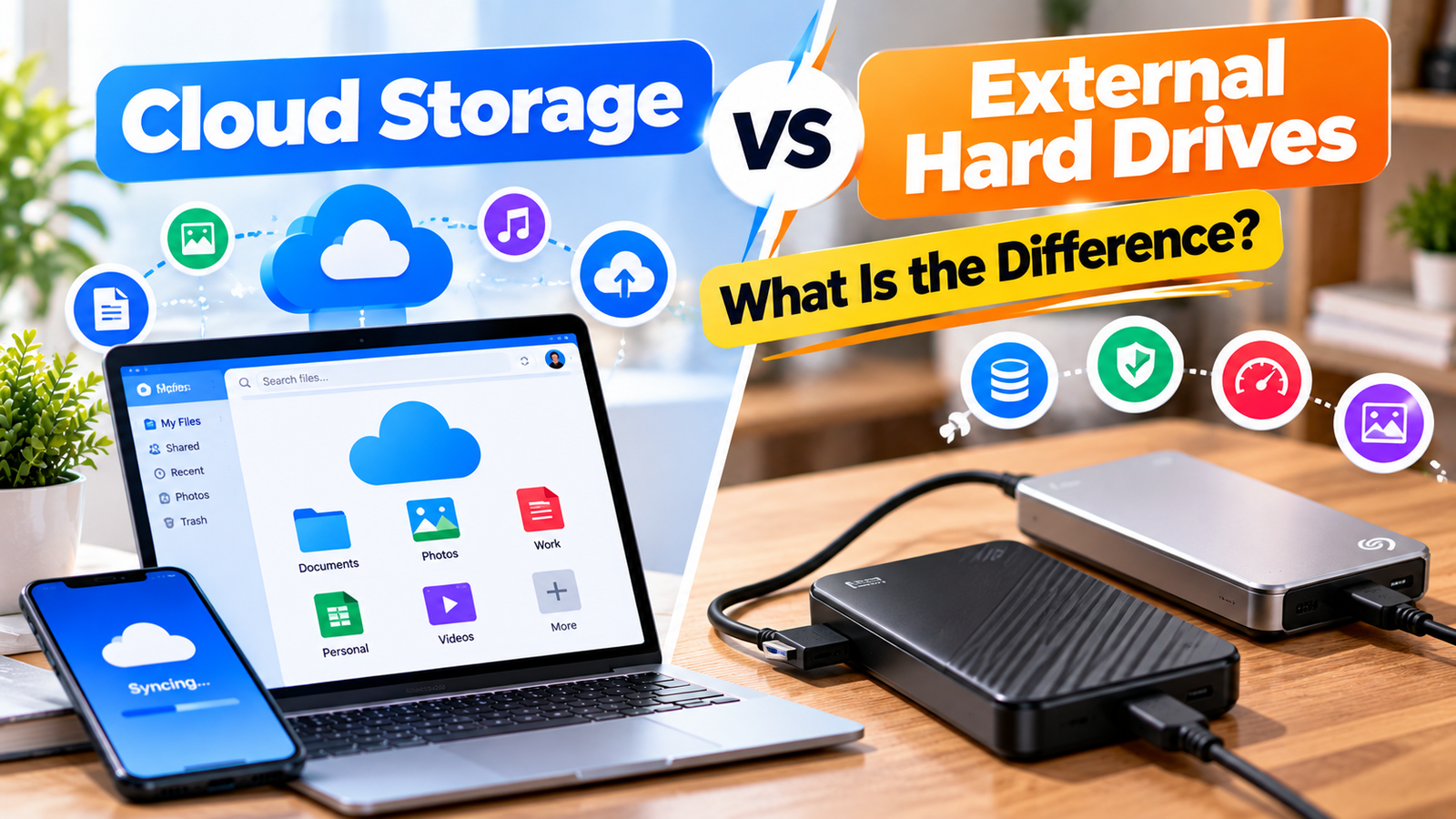
Two popular ways to store and protect digital files are cloud storage and external hard drives. Both options can help users keep important data safe, but they work differently and offer different advantages. Cloud storage keeps files on remote servers that users access through the internet, while external hard drives store files on a physical device connected to a computer or another compatible device.
In this guide, I will explain the difference between cloud storage and external hard drives, compare their benefits and limitations, and discuss how to choose the best option for your needs.
What Is Cloud Storage?
Cloud storage is a service that allows users to store files on remote servers operated by a service provider. Instead of keeping every file only on a computer or phone, users can upload their data to an online account and access it through an internet connection.
Popular cloud storage services include Google Drive, Microsoft OneDrive, Apple iCloud Drive, and Dropbox. These services offer different storage limits, subscription plans, sharing options, and security features.
For example, if I save an important document to a cloud storage account, I may be able to open it later from another computer, tablet, or smartphone. This is particularly useful when working across multiple devices or collaborating with other people.
Cloud storage can also help protect files if a computer is lost or damaged, provided the files have been uploaded successfully and the account remains accessible.
However, cloud storage depends on the service provider and its policies. Users may need an internet connection to access files that have not been downloaded locally. Free plans also have storage limits, and larger plans may require a monthly or annual payment.
What Is an External Hard Drive?
An external hard drive is a physical storage device that connects to a computer, usually through a USB connection. It allows users to save files outside the computer’s internal storage.
External hard drives are available in different capacities and can store documents, photographs, videos, software installers, and backup copies of important information.
External solid state drives, commonly called SSDs, are another option. They use flash memory instead of the spinning disks found in traditional hard drives. External SSDs are generally faster and more resistant to physical shock, although they often cost more per unit of storage.
One major advantage of external storage is that files can be transferred without an internet connection. Once the drive is connected and recognized by the device, users can copy, move, and access compatible files.
For example, I can back up my photographs to an external drive and store it in a safe location. If my computer stops working, I can connect the drive to another compatible computer and recover the files.
However, external drives can be lost, stolen, damaged, or affected by hardware failure. They also require physical handling and should not be treated as a permanent guarantee against data loss.

Cloud Storage vs External Hard Drives: Key Differences
Although both options store digital information, they differ in several important ways.
1. Storage Location
The most obvious difference is where the files are stored.
Cloud storage keeps files on remote servers managed by a service provider. Users access their files through an account, website, or application.
An external hard drive stores files on a physical device that the user owns or controls.
I find cloud storage useful when I need access to files from different locations. An external hard drive is more convenient when I want a local copy of my data without depending on an online service.
2. Internet Requirements
Cloud storage usually requires an internet connection to upload files and access online copies. Some services allow users to mark files for offline access, but these files must generally be downloaded to the device first.
External hard drives do not require an internet connection to transfer or open locally stored files. This makes them useful when traveling, working in areas with unreliable internet, or handling large collections of photographs and videos.
If I regularly work without reliable internet access, an external drive can be a practical choice. If I frequently switch between devices and locations, cloud storage may be more convenient.
3. Initial Cost and Ongoing Expenses
Cloud storage services often provide a limited amount of free storage. Users who need more space may have to pay a recurring subscription fee.
External hard drives generally require an upfront purchase. After buying a suitable drive, users can store files on it without paying a monthly storage subscription. However, drives may eventually need replacement, and additional drives may be necessary as storage requirements increase.
The most affordable option depends on how much data you have, how long you need to store it, and whether you require features such as automatic synchronization or file version history.
For a small collection of files, a free cloud plan may be sufficient. For a large video archive, purchasing an external drive may offer better value over time.
4. Storage Capacity
External hard drives are available in a wide range of capacities, including several terabytes. This makes them suitable for storing large media collections, project files, and complete backups.
Cloud storage capacity depends on the selected service and subscription plan. Users can often upgrade their plans, but larger storage requirements may increase ongoing costs.
For example, someone who records many high resolution videos may prefer an external drive for local storage. A person who mainly saves documents and a moderate number of photographs might find a cloud service sufficient.
Before choosing either option, I recommend checking how much storage your current files occupy and estimating how quickly that amount will grow.
5. Speed and Performance
The speed of cloud storage depends on the internet connection, service performance, file size, and other factors. Uploading a large video collection can take considerable time if the internet connection is slow.
External drives transfer files according to the drive’s performance, connection type, and computer hardware. An external SSD is usually faster than a traditional external hard drive, especially for tasks involving frequent file transfers.
For large local backups, external storage can be particularly convenient because the transfer does not depend on internet upload speeds.
Cloud storage is often more convenient for accessing individual documents across devices, especially when those files are already uploaded.
6. Security and Privacy
Security is important regardless of which storage method you choose.
Cloud storage providers may offer encryption, account security controls, file sharing permissions, and multifactor authentication. However, users should understand the provider’s privacy policies, account recovery procedures, and available encryption options.
Protecting your cloud account with a strong, unique password and multifactor authentication can reduce the risk of unauthorized access.
External hard drives offer more direct control over physical access to files. However, anyone who obtains an unprotected drive may be able to read its contents.
For sensitive files, I recommend using encryption where appropriate, particularly when storing confidential documents on a portable drive. Keep encryption passwords and recovery keys safe so you do not accidentally lock yourself out of your own data.
Neither option is automatically secure in every situation. Good security practices make a significant difference.
7. Access From Multiple Devices
Cloud storage is designed to make files accessible across supported devices. After signing in to the same account, users can often access their documents from a laptop, smartphone, tablet, or another computer.
External hard drives generally need to be physically connected to the device being used. Some smartphones and tablets support external storage, but compatibility depends on the device, connection, file system, and available power.
If I frequently work from different locations, cloud storage saves me from carrying a physical drive everywhere. If I mainly work on one computer, an external drive may be simpler.
8. Backup and File Recovery
Cloud storage and external hard drives can both help recover lost files, but the available recovery features differ.
Some cloud services provide deleted file recovery, file version history, and account restoration features. These features may have limits depending on the service and account type.
An external drive can preserve a separate copy of important files, but recovery depends on the condition of the drive and whether the backup was completed correctly.
One important point is that synchronization is not always the same as backup. If you delete a file from a synchronized folder, that deletion may also appear in the cloud and on other connected devices.
For this reason, I recommend maintaining a backup that preserves recoverable copies independently of ordinary file changes whenever possible.
Advantages of Cloud Storage
Cloud storage offers several benefits for everyday users.
Easy access from different locations: Files can be available on multiple supported devices without carrying a physical drive.
Convenient file sharing: Many services allow users to share documents through links or controlled access permissions.
Automatic synchronization: Changes can be synchronized across devices when the feature is enabled.
Less need for physical storage: Users can store files online without purchasing a large external drive immediately.
Useful collaboration tools: Some services allow multiple people to view or edit compatible documents.
However, cloud storage also has limitations. Internet access may be necessary, free storage is limited, subscriptions can become expensive, and account security must be managed carefully.
Advantages of External Hard Drives
External hard drives also provide several practical benefits.
Offline access: Files can be accessed without an internet connection.
Large storage capacity: Many drives provide several terabytes of space for media files and backups.
One time purchase: A drive does not normally require a recurring storage subscription.
Direct file control: Users can organize and transfer files without relying on an online account.
Convenient local backups: External drives are useful for backing up large folders